 Block&Read
Why the nuclear option keeps failing
Deleting apps feels decisive, but it fights the wrong battle. The apps aren't the habit: the reach is the habit. Thirty times a day your hand finds the phone before your brain votes. Delete Instagram and the reach survives; it just lands on Safari, YouTube, your email, or the App Store's reinstall button.
And there's a social cost: group chats, event invites, the account you actually need for work. So you reinstall, feel defeated, and scroll harder. The cycle isn't evidence that you're weak: it's evidence that abstinence is the wrong tool for something woven into daily life.
Friction: the middle path that works
Behavioral economists have a name for what actually moves usage numbers: friction. Make a behavior slightly harder and its frequency collapses, no ban required. It works in both directions: every extra step between you and the feed cuts sessions; every step removed adds them.
But there's a catch most screen-time apps miss: friction that gives you nothing in exchange feels like punishment, and you'll eventually route around punishment. The friction that survives long-term is friction that pays you.
Don't make the phone useless. Make the first thing it offers something you're proud of.
A screen-time plan you'll still run in three months
- Find your two heaviest apps. Check Settings → Screen Time. Don't block ten things: block the two that own 80% of your wasted hours.
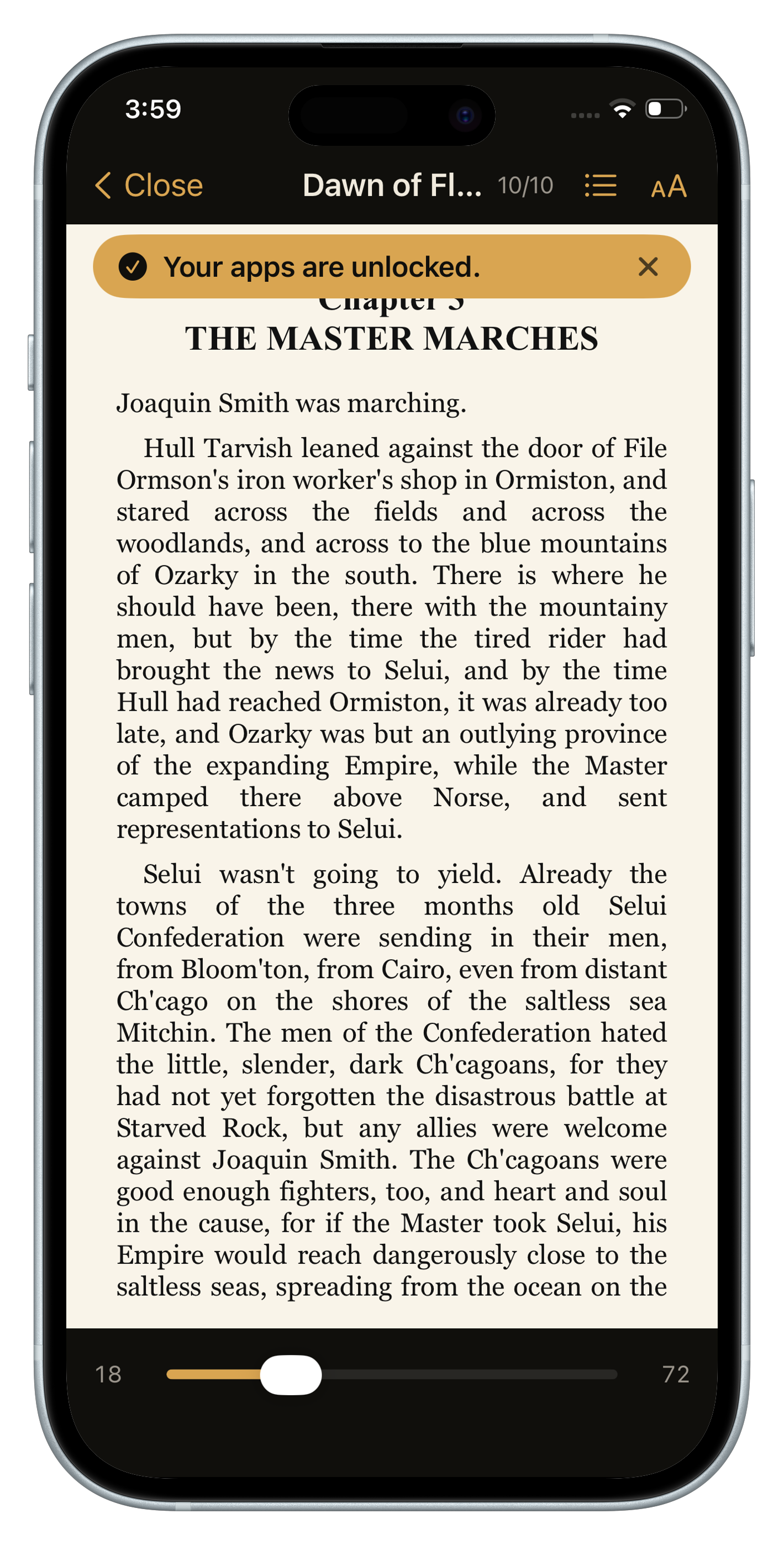
- Put a toll on them, not a wall. The unlock should be a small, positive act. A few pages of a book is the ideal toll: it fills the restless moment that made you reach, and it compounds into something (finished books) instead of nothing.
- Set the toll laughably low. Two to five pages. The goal isn't to read a lot today: it's to make the system survive until reading a lot happens on its own.
- Track time won, not time lost. Watching "pages read" and "apps blocked" grow feels like winning. Watching a screen-time graph shrink feels like dieting. Pick the scoreboard that keeps you playing.
How to set this up with Block&Read
Block&Read runs this entire plan automatically:
- Pick your two worst apps (free plan): Instagram and TikTok are the usual suspects. Premium blocks unlimited apps and adds schedules.
- Set a daily goal of a few pages. Reach for a blocked app and your book opens instead; hit the goal and everything unlocks for the day.
- Watch the right scoreboard: streak, pages read, time won back; your Stats screen turns reduced screen time into visible progress.
- No accounts, no tracking: your usage data never leaves your phone.
Questions people also ask
Does deleting apps reduce screen time?
Rarely for long. The habit is the reach for the phone, not the app, so the urge moves to other apps and most people reinstall within days.
What is the most effective way to reduce screen time on iPhone?
Add friction to your two heaviest apps instead of banning them, and make that friction pay you back, such as reading a few pages before the app unlocks.
How do I find which apps take most of my screen time?
Open Settings, then Screen Time. Focus on the two apps that take most of your hours rather than blocking ten.