
How to add subtitles without internet
Most caption tools upload your video to a server, transcribe it there and send the text back. That is why they need a connection, why they can be slow on a bad one, and why there is a copy of your footage on someone else's machine.
On-device transcription does the same job using the phone's own speech recognition. Nothing is sent anywhere.
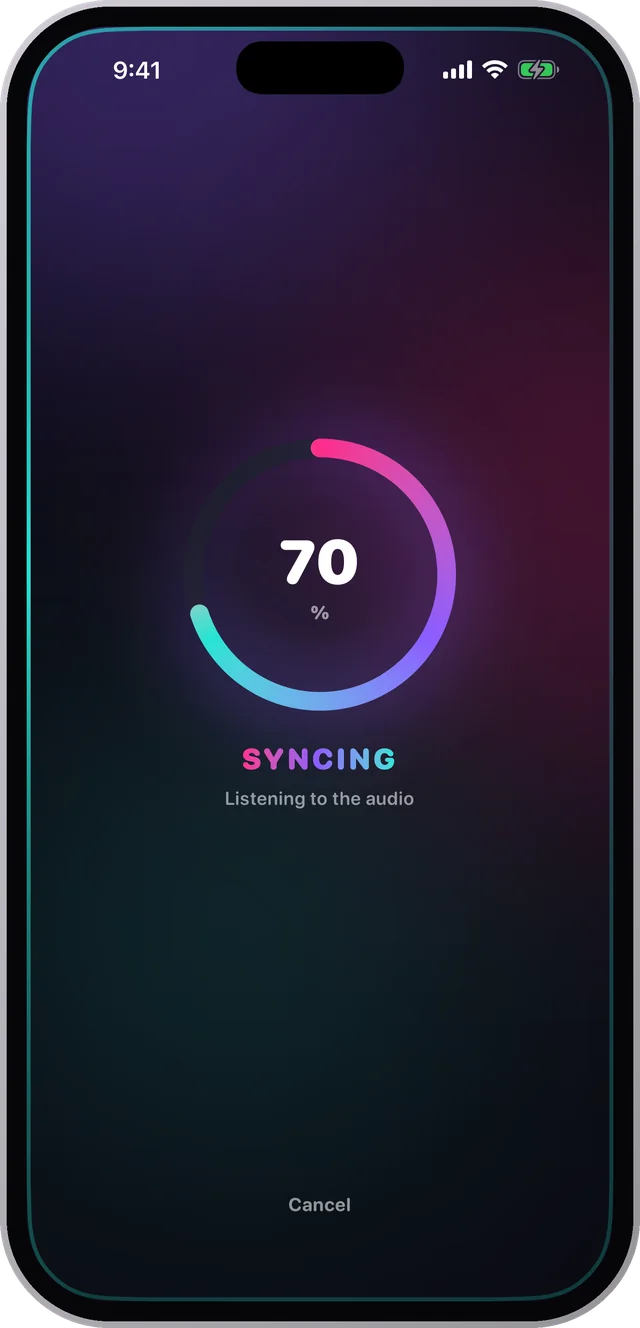
What on-device actually means
The speech recognition model runs inside the phone. Your audio is read by the iPhone's processor and turned into text there, and the text never leaves the device unless you export it yourself.
The practical tests are simple: does it work in airplane mode, and is there an account to create? If it works offline and there is no sign-up, nothing is being uploaded, because there is nowhere for it to go.
When this is the deciding factor
- Client work, unreleased material, or anything under an NDA.
- Video of children, of your home, or of anyone who did not agree to be uploaded to a service.
- Filming somewhere with no signal: a plane, the mountains, a basement, another country before you buy a SIM.
- Long clips, where uploading and downloading is slower than just processing them locally.
- Anywhere data is expensive enough that uploading a 400 MB video is a real decision.
The trade-off
On-device recognition is very good, and on a recent iPhone it is fast, but a large server model can still be more accurate on hard audio: heavy accents, several people talking over each other, wind and traffic.
For one person speaking to a camera, which is what most short-form video is, the difference is small enough that the privacy and the speed win.
How to do it in Charlatan
- Put the phone in airplane mode if you want to see it for yourself.
- Open Charlatan and pick a clip, or record one.
- Set the audio language and let it transcribe. It will run exactly as it does online, because it was never using the connection.
- Style and export as usual. There is no account, no upload and no sign-in at any point.
- The only thing that needs a connection is the App Store purchase, if you decide to unlock Pro.
Questions people also ask
Do subtitle apps upload my video?
Most do. If an app requires an account and stops working in airplane mode, your audio is being processed on a server. Apps that use the phone's own speech recognition do not need either.
Is on-device transcription as accurate as cloud transcription?
Close, and for a single speaker talking to camera the gap is small. Large server models still have an edge on difficult audio: strong accents, overlapping voices, or heavy background noise.